
Your cast, any scene.
Write a short scene, put up to three characters and a location in it, and render a 9:16 take with spoken lines. The same faces, outfits and places come back every time you use them.
Faces that hold from take to take.
Every account starts with this troupe. Cast any of them in a scene, or describe a new character and a portrait is generated for three credits.
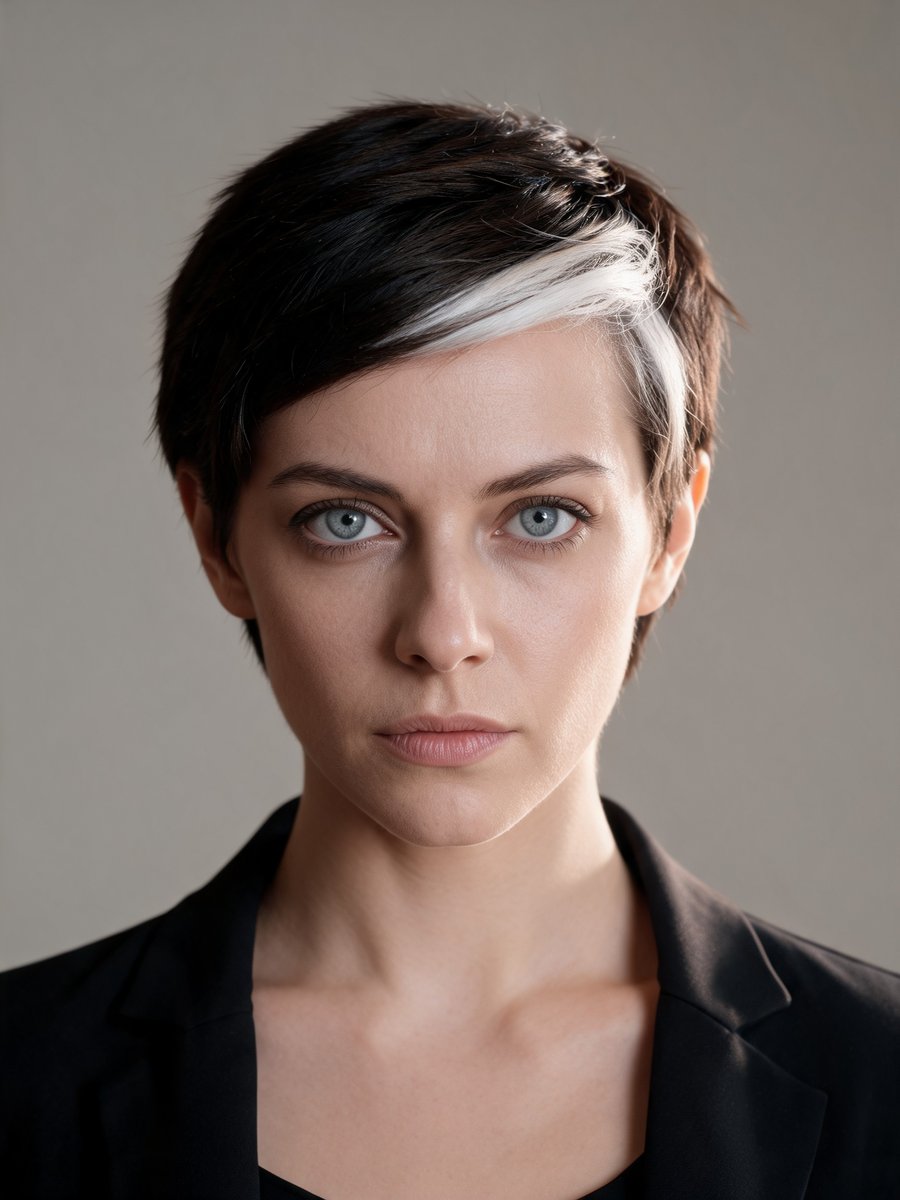
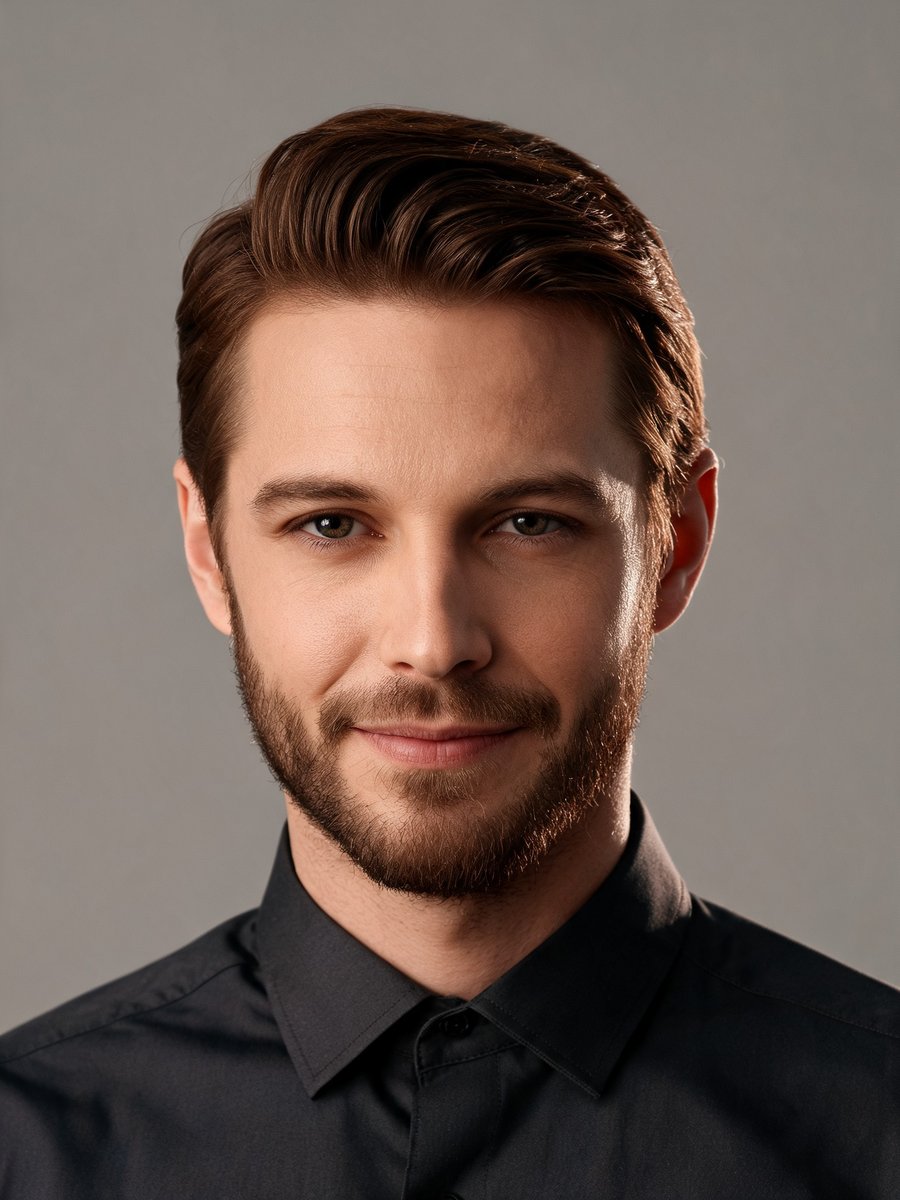
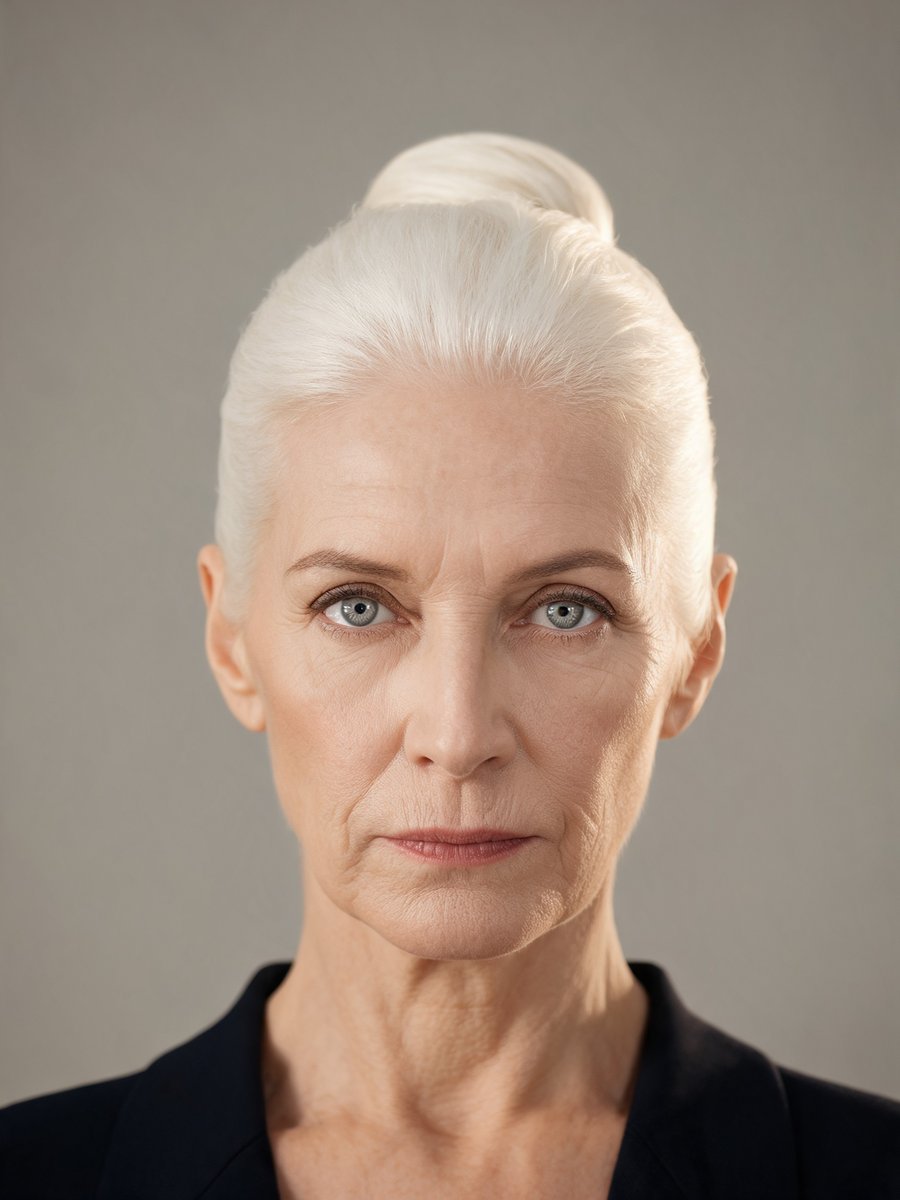
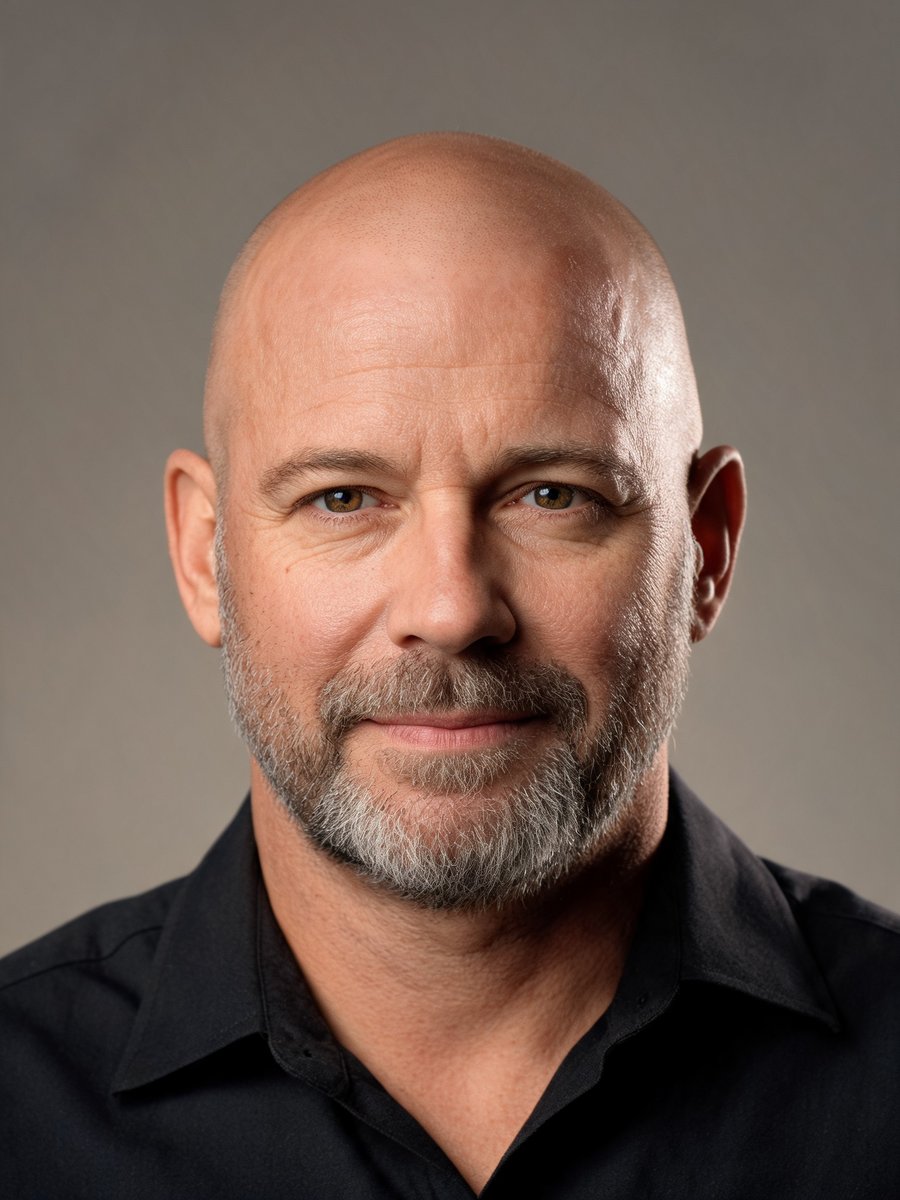
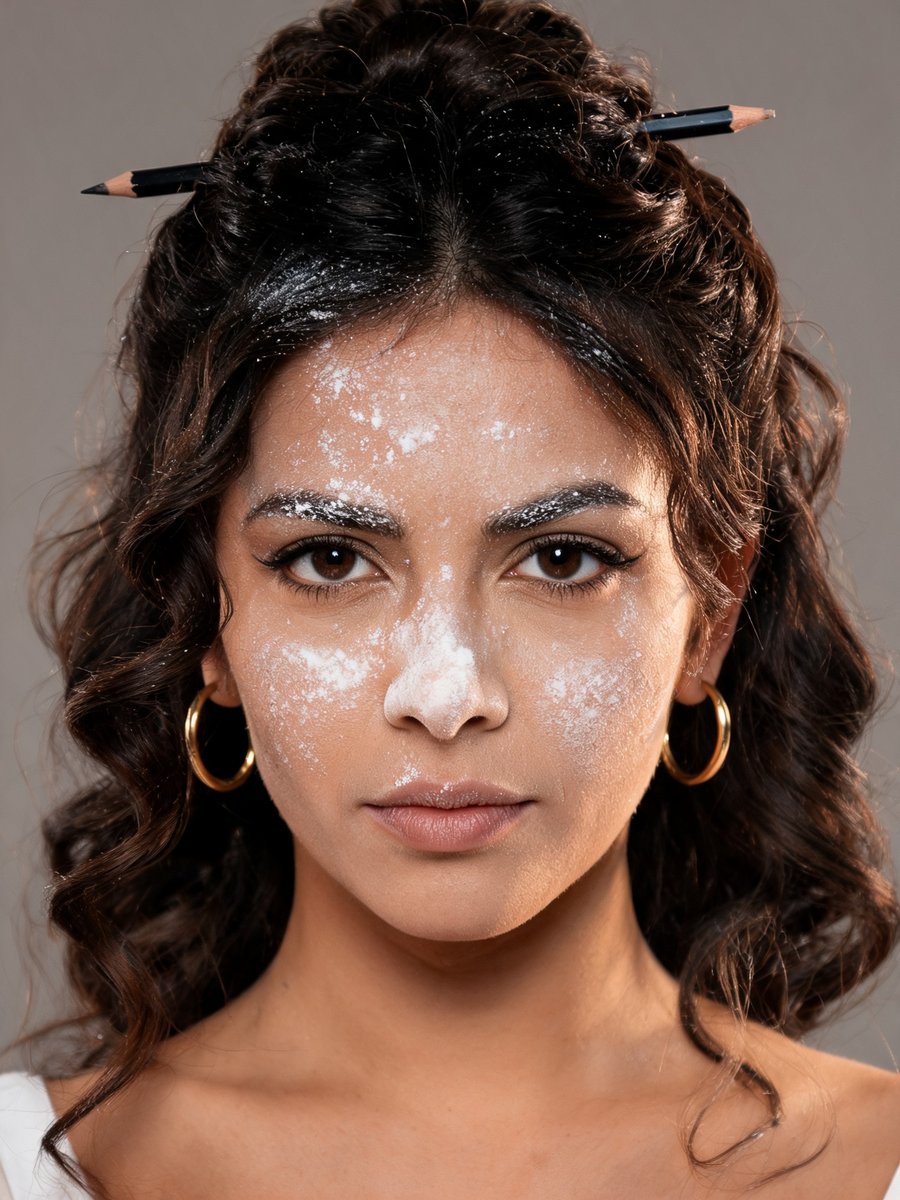
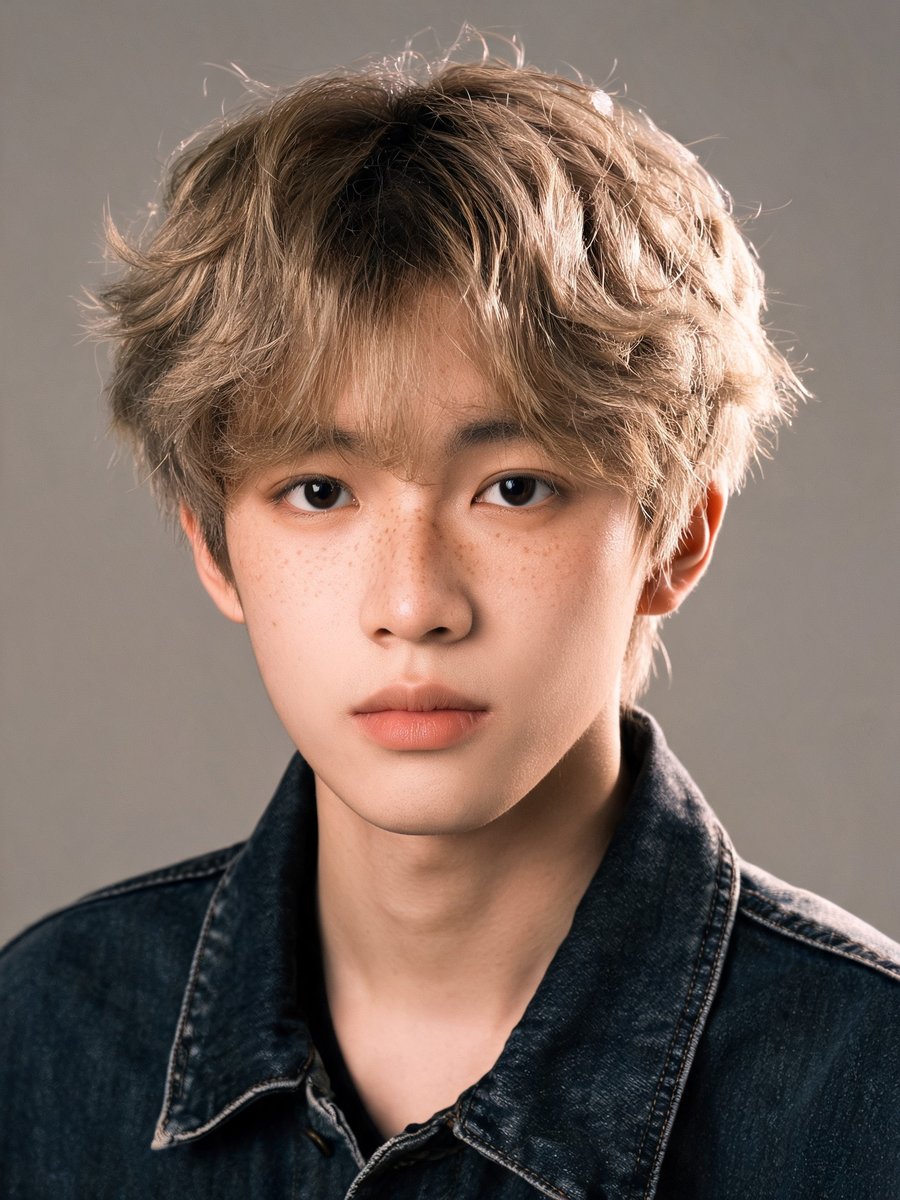
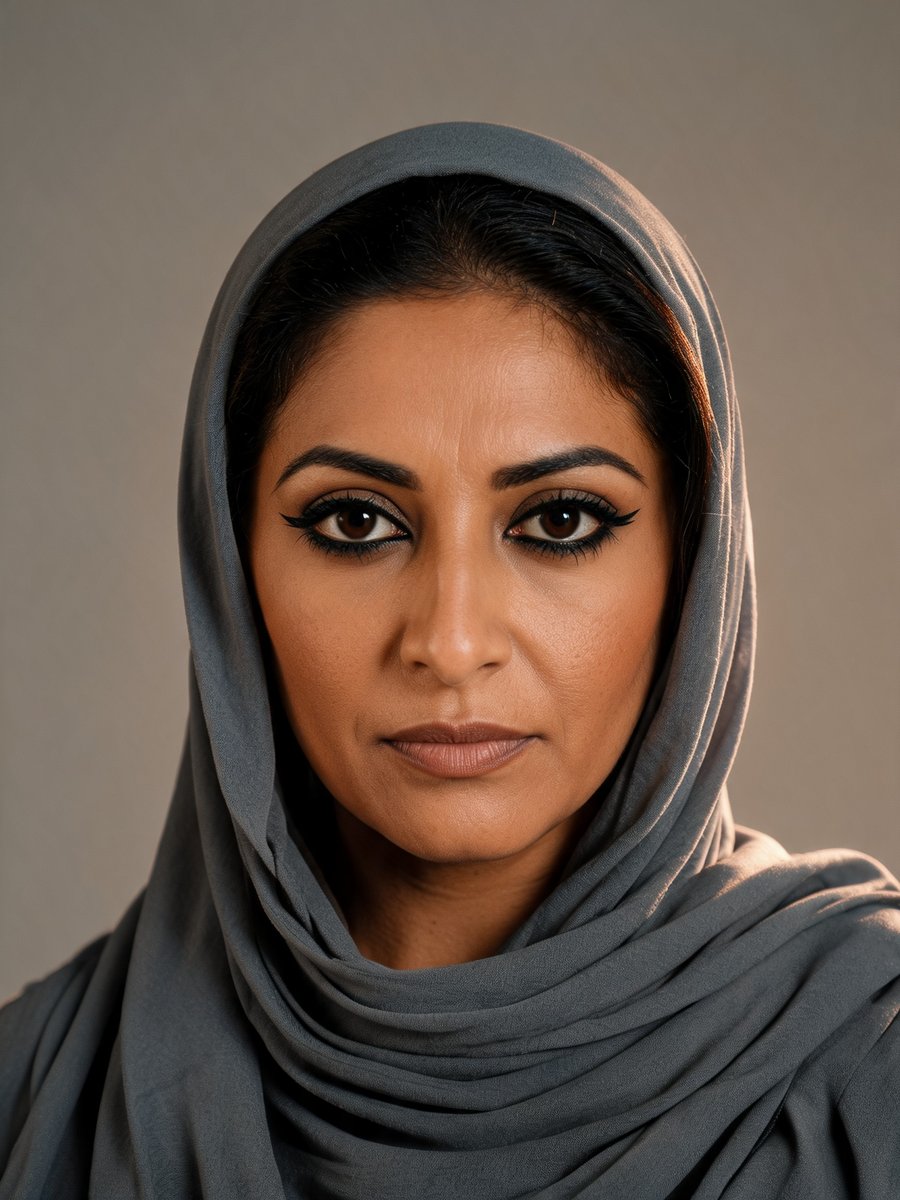
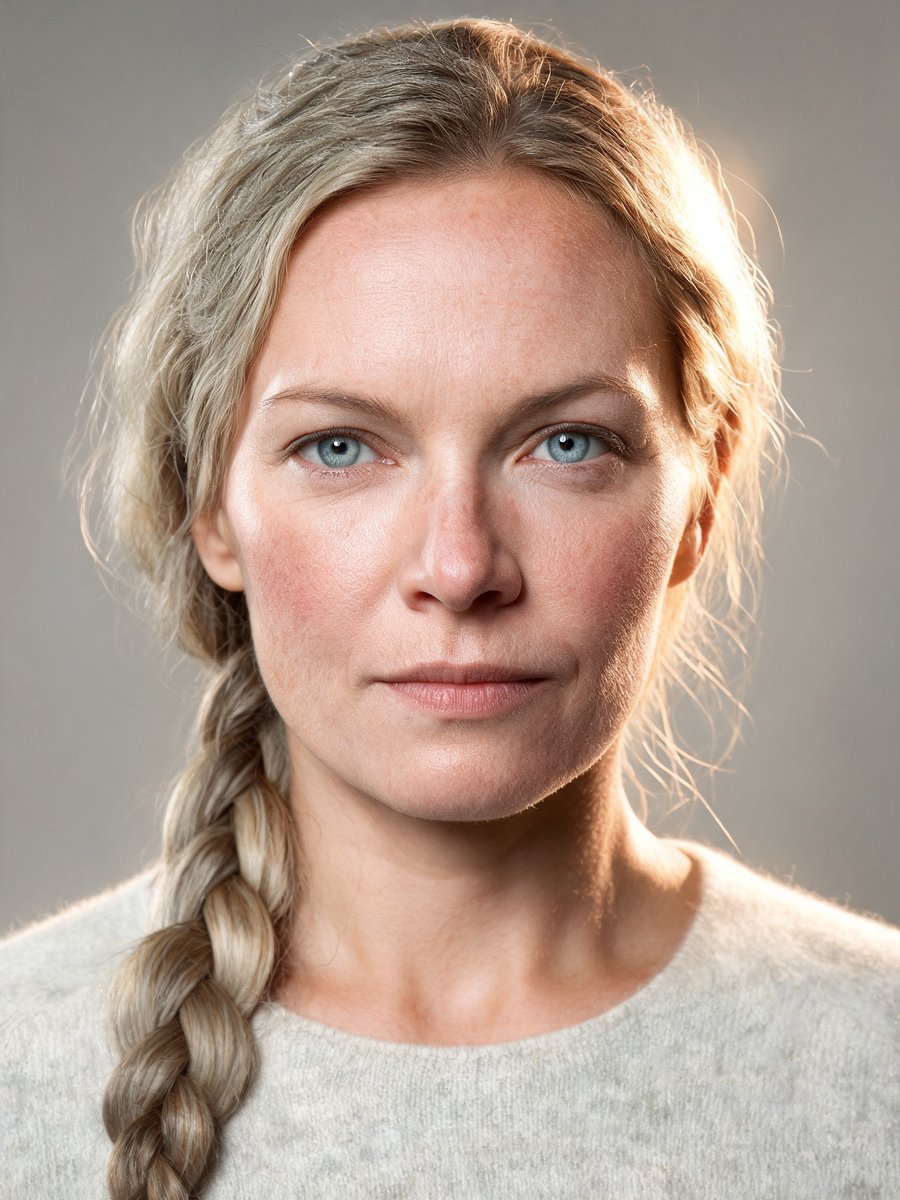
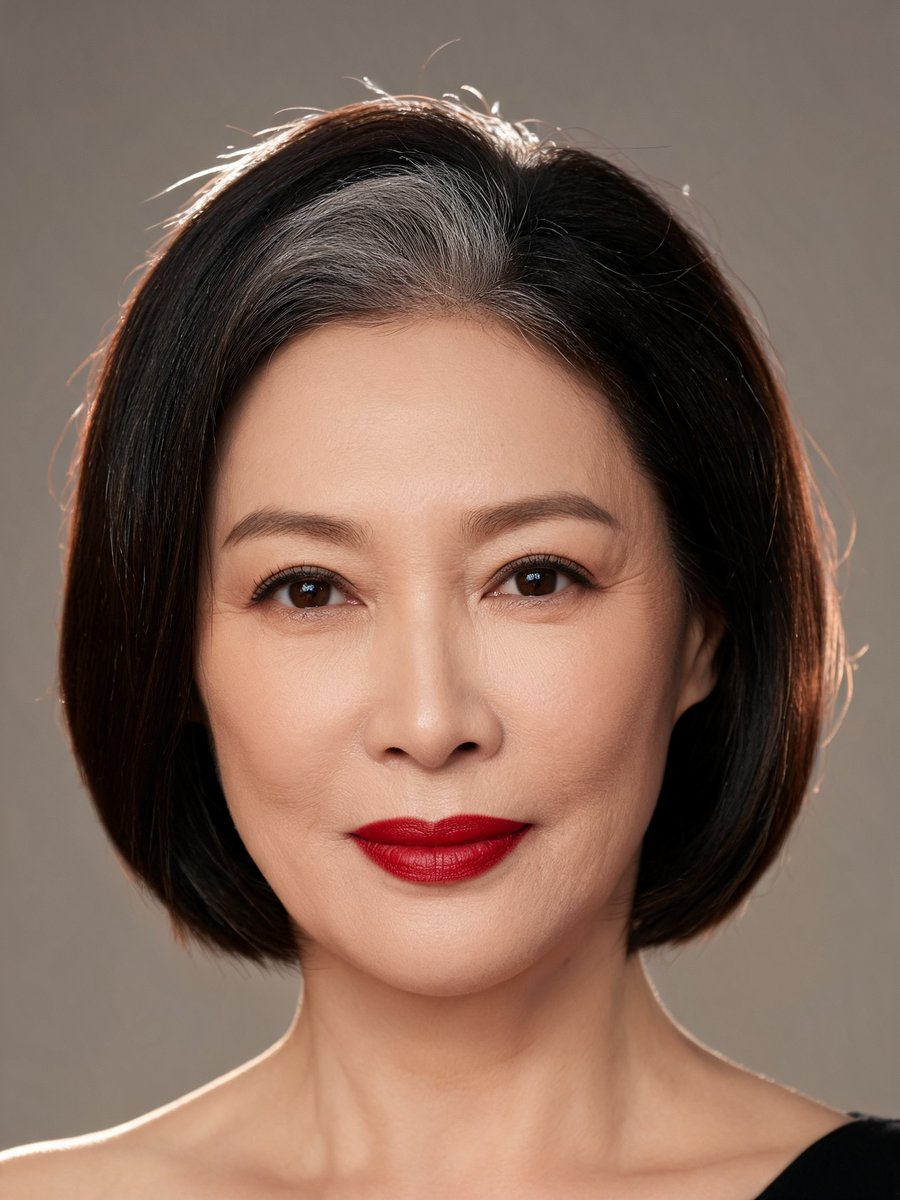
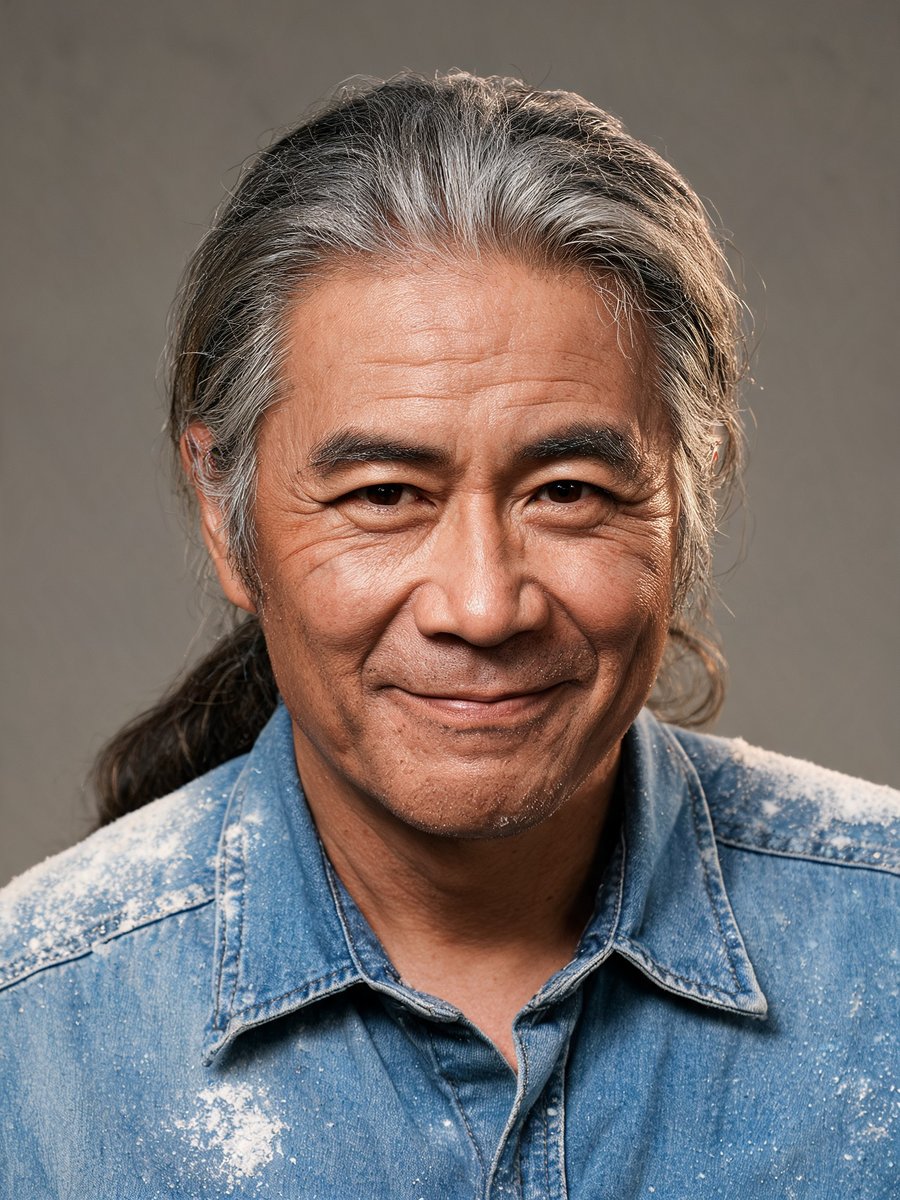
One scene, a cast, a take.
Most video tools start from a blank prompt every time, so the second clip rarely looks like the first. Here the people, clothes and rooms come from your library, so every take starts from the same pictures.
- Step 1
Write the scene
One short scene: who is there, where they are, what happens, and a few lines of dialogue in quotes.
- Step 2
Cast and dress
Pick up to three characters from your library and give each an optional outfit, prop and voice style.
- Step 3
Choose a location
Use a preset set or one you generated or uploaded. The location image goes with the render as a reference.
- Step 4
Pick a tier and render
Draft to test timing, Standard for your cast, Cinematic up to 1080p. Each take renders in 9:16 with spoken lines.
One troupe, twelve scenes.
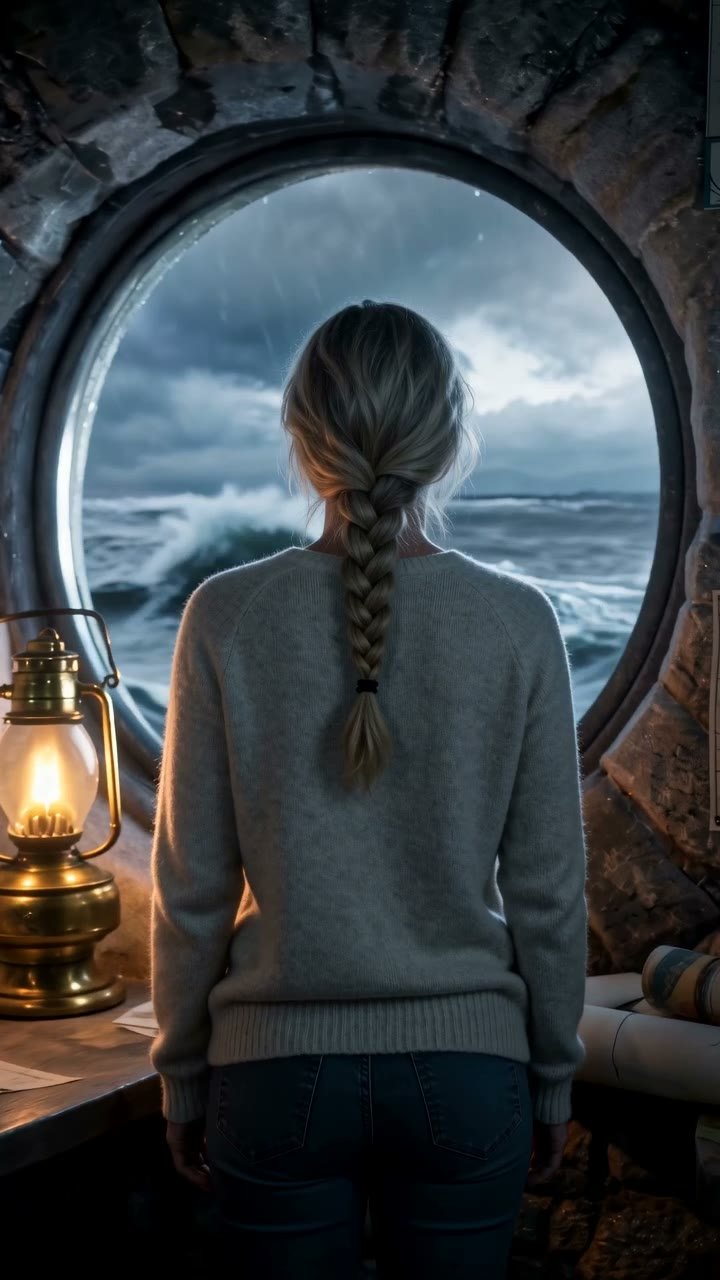
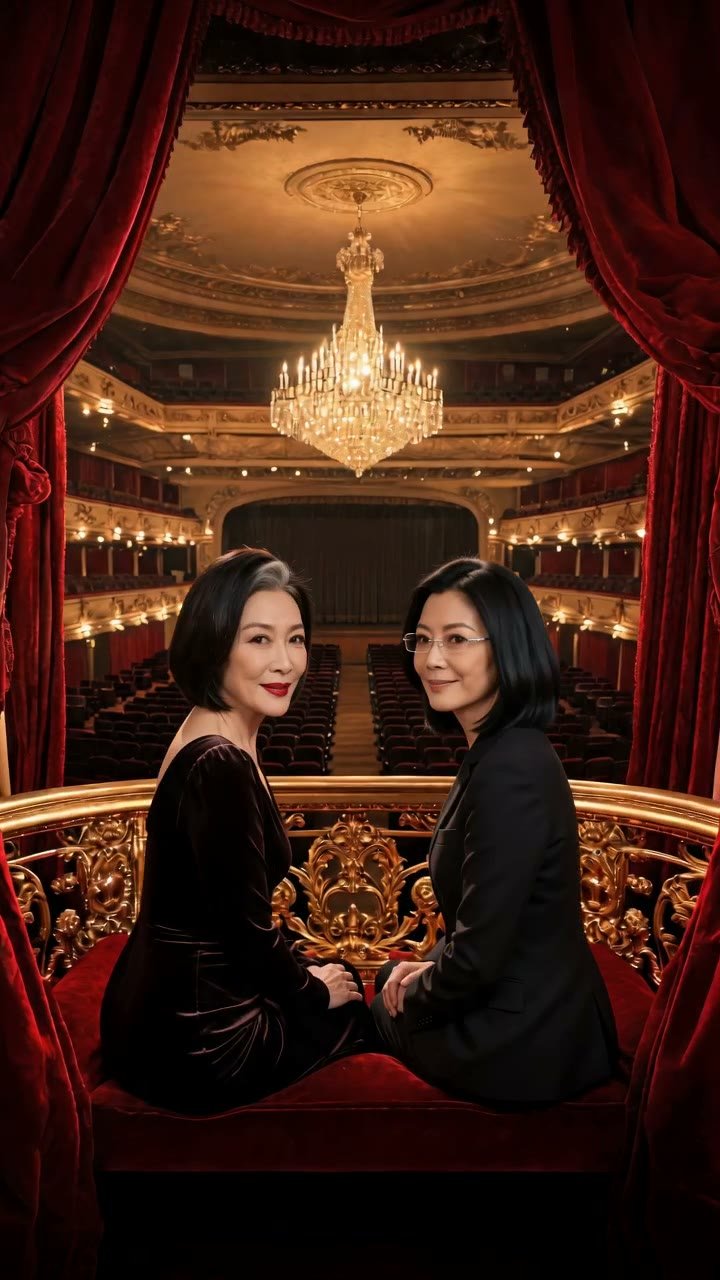
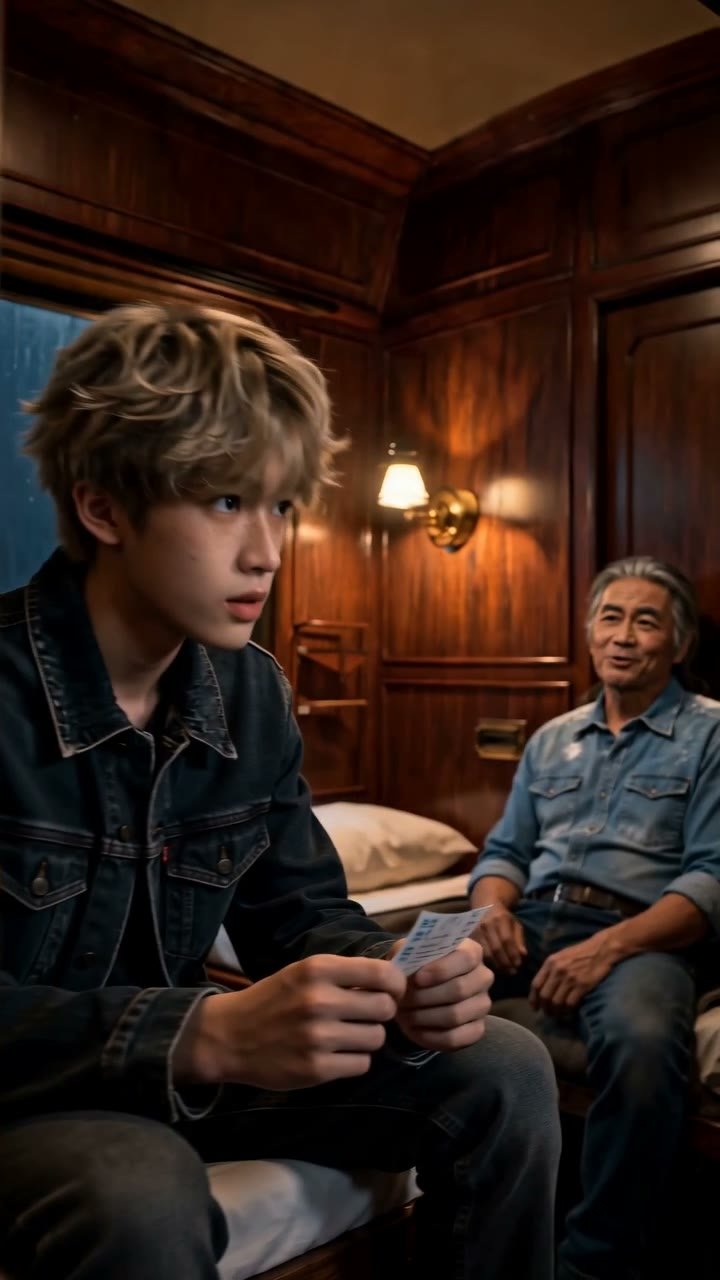
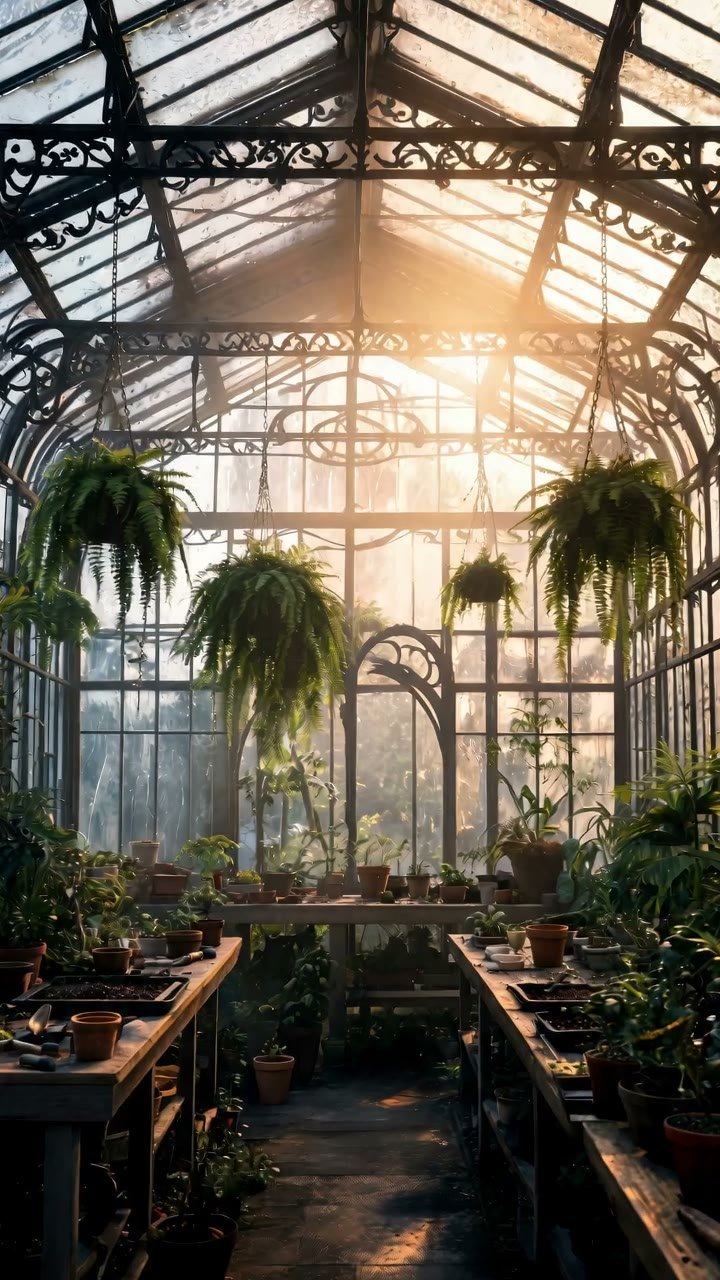
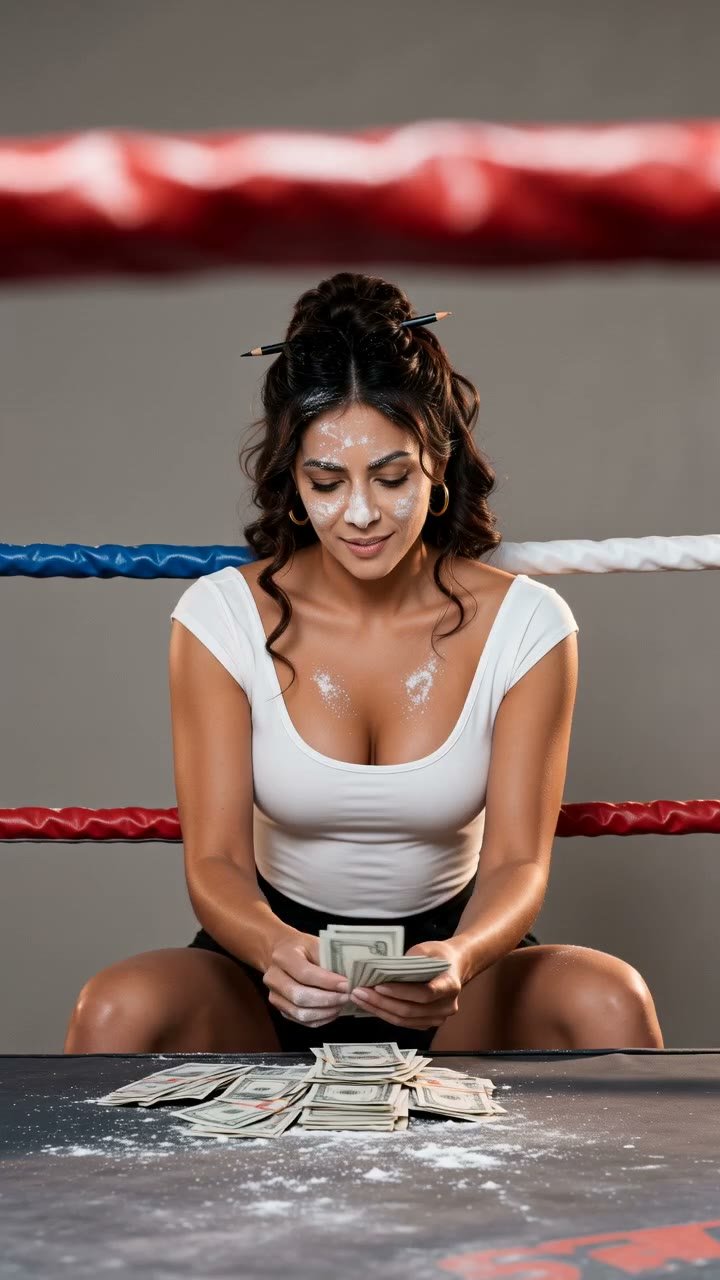
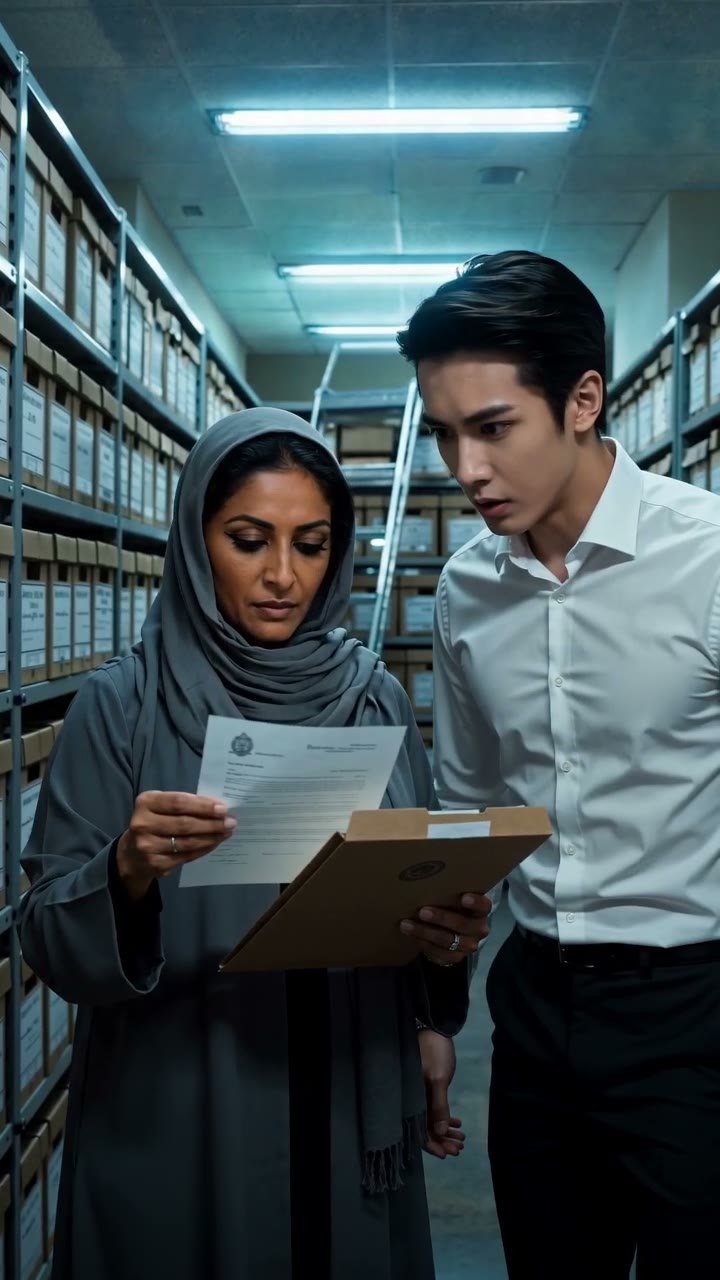
Sixteen characters, twelve outfits, twelve locations, twelve props and sixteen voice styles come with every account. New characters are generated from a description; everything else can be generated or uploaded.
Up to nine reference images go with each Standard or Cinematic take: faces, complete outfits, a prop in hand, the location. Spoken lines and sound are generated with the picture.
Takes are yours alone until you choose to publish. A published take gets a share page you can send anywhere, and every take downloads as an MP4.
Questions people ask
How does the same character stay the same across scenes?+
Every character in your library has a generated portrait, and every outfit, location and prop has an image of its own. When you cast a scene, those images go with the render as references: the portrait for the face, the outfit for the clothes, the location for the set. Because the same images are used every time, the same faces and rooms come back from take to take, while lighting, angle and expression change with the scene.
What do I write for a scene?+
One short scene: who is there, where they are, what happens, and a few spoken lines in quotes. If a mood, a history between two people or a detail of the period matters, put it in that text in a phrase. The take is rendered from what you write plus the library images you cast.
What can I put in a scene?+
As many as three characters from your library, and for any of them you may add an outfit, a prop and a voice style; then one location. Altogether a scene is capped at nine reference images. Every account starts with a preset troupe of sixteen characters plus twelve outfits, twelve locations, twelve props and sixteen voice styles.
Which tier should I pick?+
Use Draft to test whether the action fits the seconds: it skips your library images and works from the words alone, so it costs the least. Move to Standard, at 480p or 720p, when you want your cast and location in the frame. Save Cinematic, the sharpest option at up to 1080p, for a take you intend to publish.
Can I upload a photo of a real person as a character?+
No. Characters are always generated from a written description, which is what lets the studio reuse them as references. Outfits, locations and props can be uploaded, but leave people out of them: the video model rejects any reference showing a person it did not create, and a take blocked that way keeps its credits.
Who owns the scenes I make?+
How much does a scene cost?+
You pay for each second of video, at a rate set by the tier and resolution you choose. A Draft second at 720p is 1 credit. A Standard second at 720p is 6, so five seconds come to 30 credits. Cinematic ranges from 6 credits a second at 480p up to 30 at 1080p. Generating a new character, outfit, location or prop is 3 credits, uploading one is free, and every new account opens with two free credits.
Who can see my takes?+
Only you, until you publish one. A published take gets its own share page and can appear in the showcase, and you can make it private again or delete it at any time. Every take can be downloaded as an MP4.
Start with one scene.
The preset troupe is waiting in your library the moment you sign in. Put two of them in a room and write what happens between them.
Open the studio